Logiciel Lumière
HomeTrainingBlogShopWorkServicesAboutContact
person_outlineSign in shopping_bag
Training /Painting & Detailing Intro

03. Exporting for Zbrush

by Eldiren · February 19, 2013

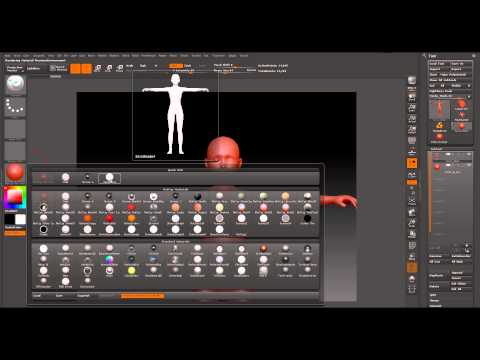
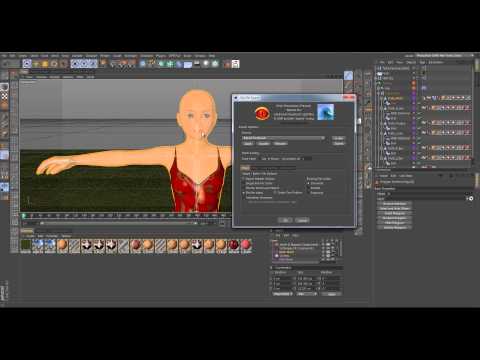
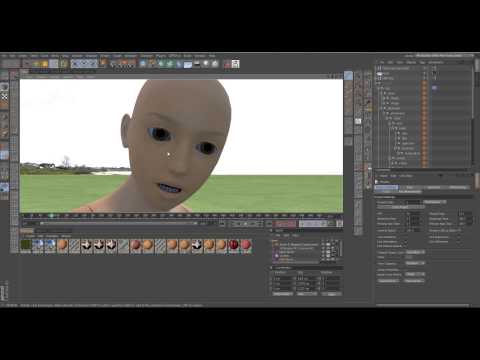
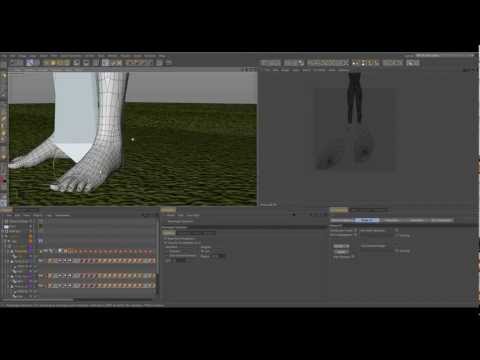
In this chapter we'll prep our model for Zbrush. To do so we'll go over Riptide and polygon selection preparation.

Follow the company on twitter @logiciellumiere there we'll have announcements for more tutorials and other awesome VFX stuff.
#Riptide#cinema 4d#zbrush#OBJ#export
← Previous 02. UV Editing and materials in Bodypaint Next → 04. Importing into Zbrush

More in Painting & Detailing Intro

Painting & Detailing Intro

01. Painting & Detailing Intro

play_circle

Painting & Detailing Intro

02. UV Editing and materials in Bodypaint

play_circle

Painting & Detailing Intro

04. Importing into Zbrush

play_circle
Logiciel Lumière

Multimedia · VFX · Training · Software

Logiciel Lumière is a multimedia group creating digital imagery, CG training and Cinema 4D tools.

  • alternate_email
  • smart_display
  • mail
  • Training
  • Blog
  • Shop
  • Work
  • Services
  • About
  • Contact
  • Support
© 2026 Logiciel Lumière · All rights reserved Back to top north